One identity, infinite shots
Lock face, hair and wardrobe from a single reference. Re-generate the same character in any pose, angle or outfit and they stay recognizable — no more 'cousin of the character' problem on shot 4.
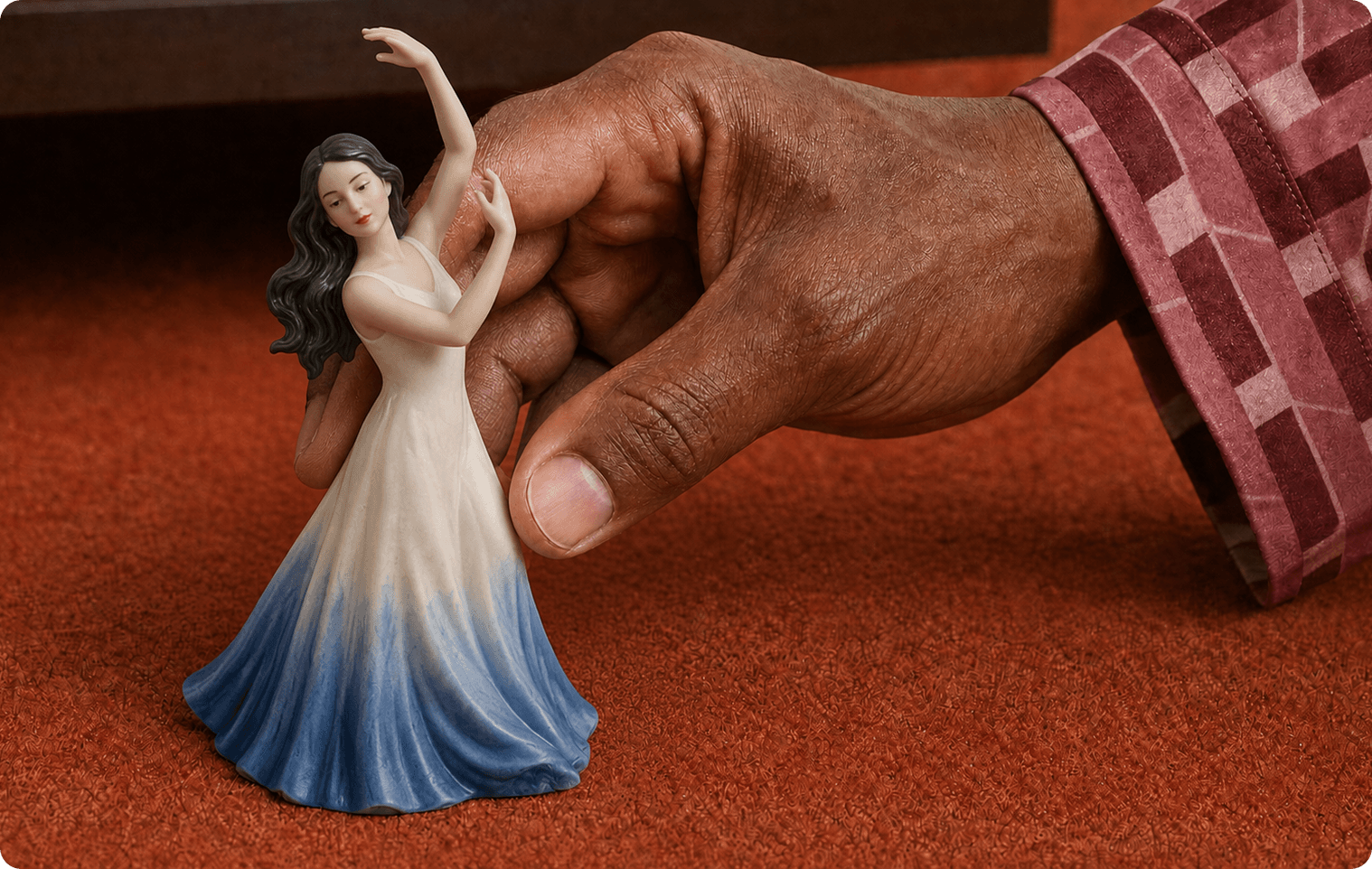
Design a consistent character once, then summon them to star in any of your creations. The Create Character app gives you the ability to build your ideal subject from traits, reference image, or description. You’ll receive a character sheet that can be used in other apps to carry your character across outputs.
Lock face, hair and wardrobe from a single reference. Re-generate the same character in any pose, angle or outfit and they stay recognizable — no more 'cousin of the character' problem on shot 4.
Outputs land on a pure white background so you can mask, composite and drop the character into any scene, product shot or storyboard without extra cleanup.
Dial in the visual style — realistic, anime, claymation, 3D Pixar — and one generation returns the whole sheet: a full-body shot, a 3/4 portrait, and three expressions, instead of fighting prompts shot by shot.
Send your locked character into Image-to-Video to animate them, into Short Film Studio as the lead, or into Product Ad as the spokesperson. The same identity carries across every app.
Yes — upload a clear photo (yourself, an actor, a model) and the app will lock that identity. Only use likenesses you have the right to use.
Very consistent. Face, hair and proportions are pinned to your reference, so re-generating new angles, outfits or expressions keeps the same person rather than a similar-looking one.
Clean white backgrounds make masking and compositing trivial. You can drop the character into any scene, product shot or video without spending time cutting them out.
Yes. Send any generated character straight into Image-to-Video, Short Film Studio or Product Ad and the same locked identity carries through.
No. Save the character to your library and re-use it across projects and other Pika apps whenever you need them on screen.